Otokago -音籠- ASMR / Doujin Audio Library Manager & Player
A downloadable tool for Windows
You buy audio works, unzip them into a folder, and six months later you cannot find anything. Tags would fix that, but nobody hand-types metadata for a thousand works.
Otokago reads the DLsite product code (RJ123456) out of your folder names and uses it to fill in title, circle, voice actors, genres, description, cover art and release date. Then you find things by picking from a list instead of scrolling a file manager.
It's a single Windows installer. No server, no Docker, no config file. It reads the folders you already have and leaves them exactly as they are.
I built it because my own library passed 6,000 works and became unusable. I've been using it daily while building it.
Features
Metadata, automatically
- Reads RJ codes from folder names at startup and on scan — this part is fully offline
- With the online feature enabled, fetches title, circle, voice actors, genres, description, cover art, release date, series, age rating and work format
- Only fills empty fields. Never overwrites what you typed or art you added
- Bulk fetch runs one work at a time on a deliberate delay, can be stopped at any point, and resumes where it left off. Backs off automatically when the server is busy
Finding things
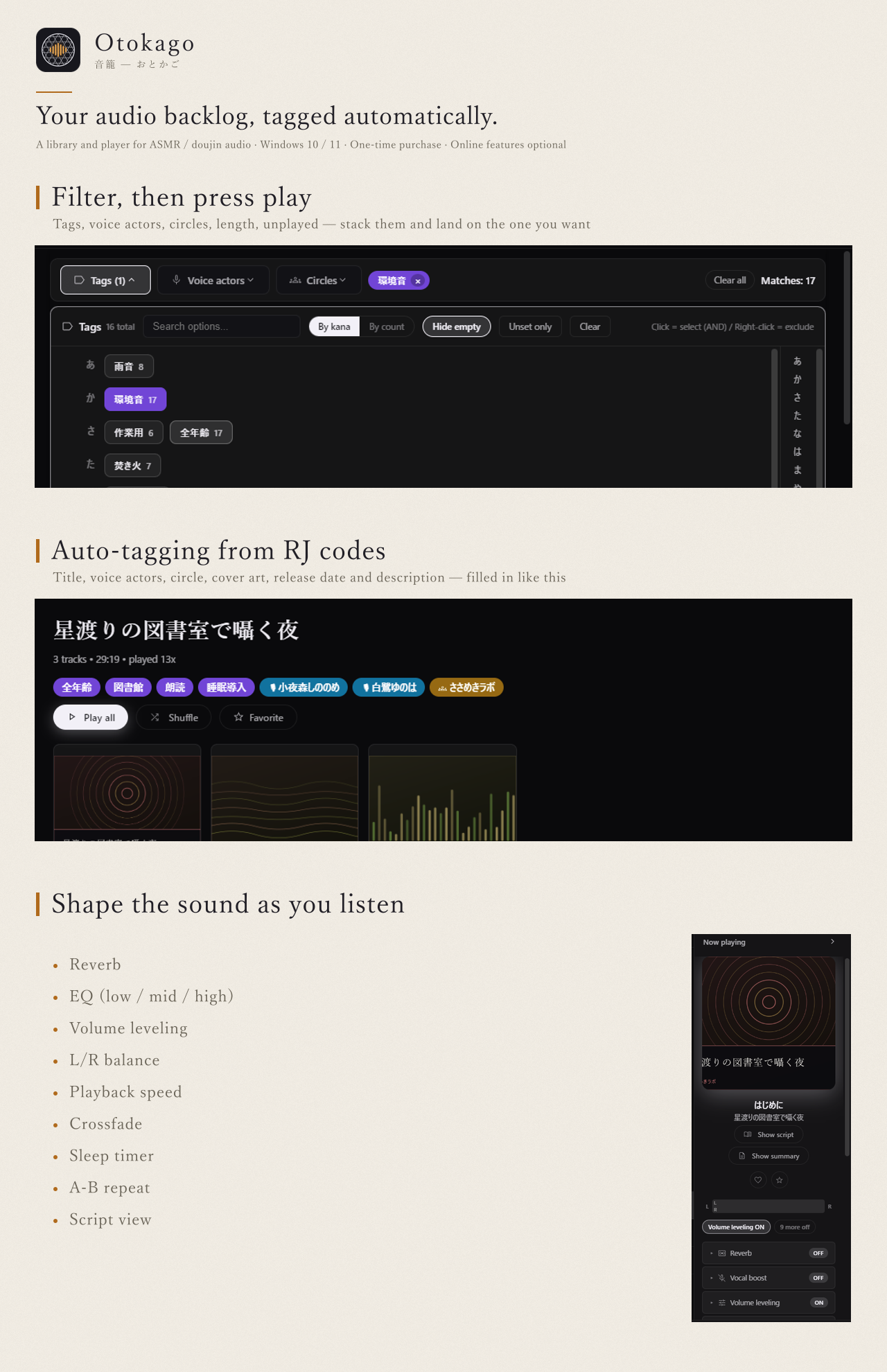
- Filter by state (unplayed / played / favourite / recently added / recently played), length, tags, voice actors, circles, and extras like "has script" or "no metadata"
- Multi-select and exclusion; candidate counts follow the current filter
- Sort by date added, last played, play count, length, name or release date
- Kana readings for Japanese sorting and jump-to-letter navigation
Listening
- Sleep timer, reverb (close / room / hall), 6-preset equalizer, vocal boost for whispers, volume leveling, L/R balance, crossfade, A-B repeat, playback speed from 0.75x
- Album shuffle: when an album finishes, jump to a random work from a tag you chose. What it will pick next is always shown on screen
- Effects always start OFF at launch
- Per-track script viewer with search, font size and a progress bar
- Mini player: 420×150, always on top, one keypress away
The rest
- mp3, flac, m4a, ogg, aac, wma, opus, aiff, alac, wav
- Four themes (dark, light, OLED black, follow system). Low-saturation UI meant for a dark room
- Duplicate finder, missing-file finder, file integrity check
- Three-generation automatic backups; export / import of all your tagging work
- Bundled WAV to MP3 converter that keeps the library's file references in sync
- English and Japanese UI, bilingual installer and manual
- Windows media controls, taskbar transport buttons, tray residency, sleep suppression
Trial
The demo is limited to 30 albums. Everything else works, including the fetching. Data carries over — install the full version on the same PC and your tags, favourites, scripts and fetched information are all still there.
Requirements
- Windows 10 or 11, 64-bit
- ~400 MB of disk for the install, plus the database (grows with your library)
- 1280×720 or larger recommended
- No internet connection required unless you use the fetch feature
No macOS, Linux or mobile build. There are no plans for one right now.
FAQ
Does it phone home?
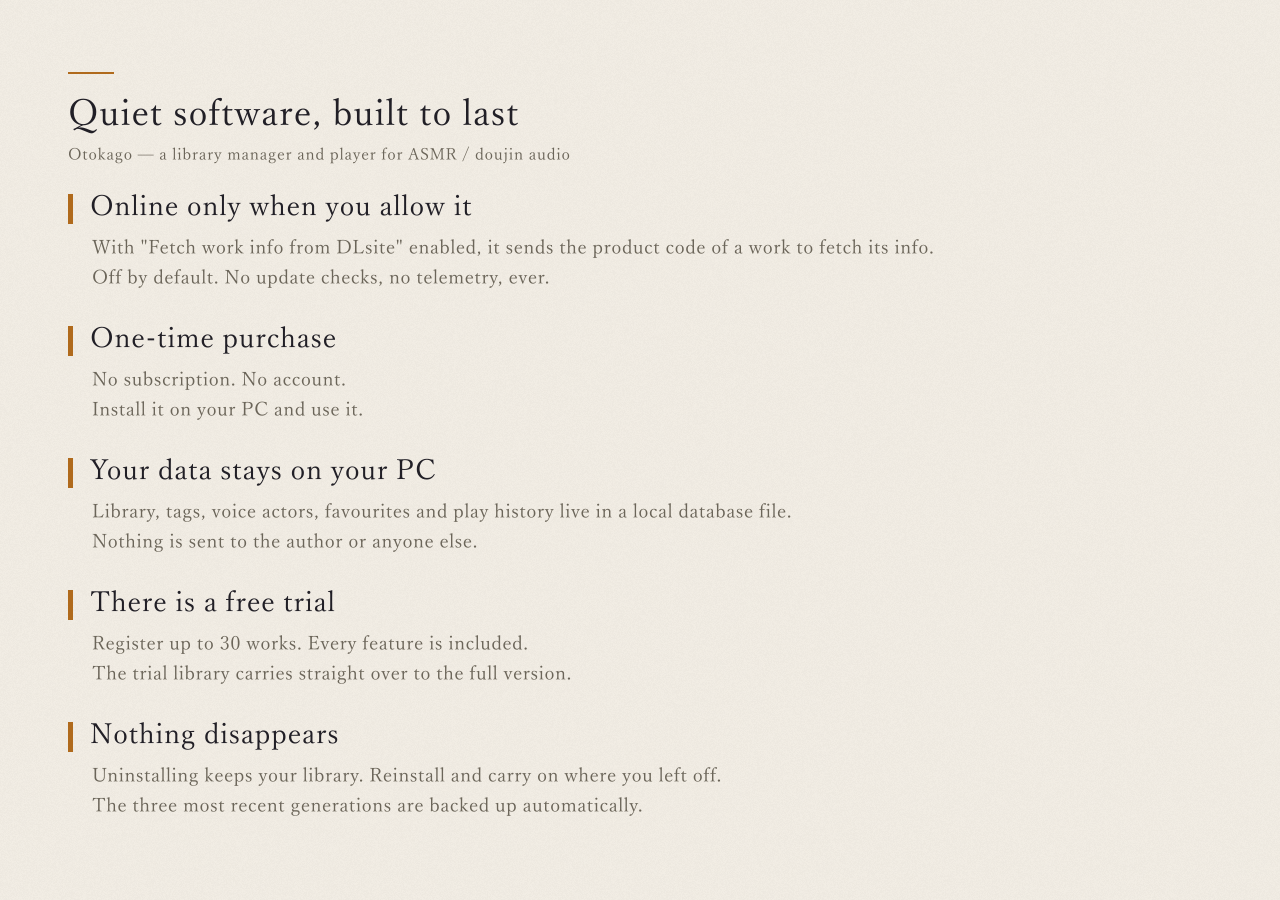
The only network request it ever makes is fetching work information from DLsite, and that is off by default. It happens when you explicitly run a fetch, or — if you separately turn on "fetch after scan" — right after a scan you started, for the works that scan just added. Both settings ship disabled. There is no telemetry, no automatic update check, no analytics, no external fonts or CDNs. Your library data never leaves your machine.
Does it need DLsite? Does it only work with DLsite purchases?
No. Otokago plays whatever audio files you point it at, from any source, including your own recordings. The DLsite fetch is a convenience for works that have an RJ code — everything else you tag by hand, and the filtering works the same either way.
Is this official / affiliated with DLsite?
No. Otokago is not an official product of EISYS, Inc. and is neither affiliated with nor endorsed by EISYS, Inc. DLsite is a trademark of EISYS, Inc.
Does it move or modify my files?
It doesn't move or copy them — the database stores paths. It writes to your files in two cases you control: tag write-back to MP3 files (an option you turn on), and the WAV to MP3 converter, which can delete the originals if you tell it to.
How long does a bulk fetch take?
Hours, for a large library. It is paced on purpose to stay light on the server. You can stop it whenever, keep what it got, and resume later. Leaving it running overnight is the intended way.
What happens to works without an RJ code?
You can type the code into the album properties (pasting the product page URL works too), or just tag them by hand. Nothing else about the app depends on the code.
Does the app auto-update?
No. Updates are a re-download from wherever you bought it. Run the new installer over the old one; your data and settings stay. Updates are free.
Why is Windows warning me about the installer?
The build isn't code-signed, so SmartScreen flags it as unrecognised. Choose "More info" > "Run anyway".
Refunds?
Try the demo first — it's the full app with a 30-album cap, and your data carries over. itch.io refunds are handled per its own policy.
Can I get a key for a video / review?
Yes. Message me here or on X.
Support
Message me through itch.io, or via the store page you bought from. Bug reports are welcome; Settings > About has a "Diagnostics" panel and an error log that make them much easier to act on.
Screens in the screenshots use demo data. © 2026 Sukima Works
Purchase
In order to download this tool you must purchase it at or above the minimum price of $12.99 USD. You will get access to the following files:
Download demo